How to play
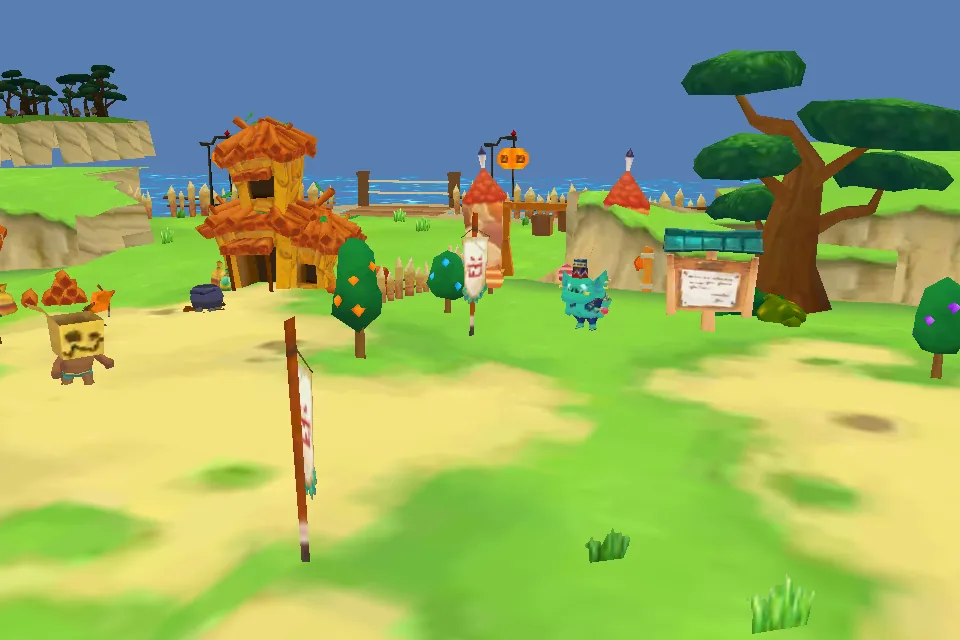
Your adventure starts on the beach of Woodeam. Tiko, the fisherman, gives you your first task (defeat 5 bugs) and a book with no name: your story book. From there, the What's next box tells you where to go.
Controls
You play with the mouse and a few keys.
| Action | How |
|---|---|
| Walk | Left-click the ground |
| Attack | Left-click a monster |
| Skills | Q W E R (R is the 4th, the weapon's ultimate) or click its button |
| Potions | 1 to 5 (the numpad too): the 5 quick-use slots |
| Camera zoom | Mouse wheel, from 60 to 150 % (100 % by default) |
| See another player | Click them: opens their player card |
| Chat | Enter opens the chat, Enter sends, Esc cancels (up to 80 characters) |
Other keys:
| Key | Opens |
|---|---|
| I | Inventory |
| C | Skills |
| D | Menu (trade, invite to party, view card, options, help, mail) |
| Tab | Map (it only shows the areas you already visited) |
| N | Moves the minimap to the other corner |
| B | Story book |
| Esc | Closes the open window. In the open world it opens Options; in a mission, the menu to leave |
You can change the skill and potion keys in Options > Keys (or in the launcher, Settings > Game > Keys). A key already in use swaps with the other action. Your keys are saved on your account.
The screen
At the bottom, from left to right:
- Your portrait, with your name, health (red bar) and mana (blue bar), each with what you recover per second. Out of combat you recover three times as much.
- The 5 quick-use slots (keys 1 to 5), for potions.
- Your 4 skills. A skill you haven't learned yet looks dimmed with the level it needs: the 1st at level 2, the 2nd at level 5 and the 3rd at level 10. The 4th, the ultimate, appears once you have the Diamond rank and the definitive weapon equipped.
- The menu buttons (open world only): Skills (C), Map (Tab) and Menu (D). Hovering each shows its name and key.
- The backpack: opens the inventory (I).
- A green experience line along the edge, for example "Lv 3 · 233 / 380".
Top right are the minimap (with + and − buttons and three zoom levels; click it to open the map), the What's next box and your quests. Top center, the name of the area.
In safe zones (the plaza, the village gate and the village) skills are off, but potions work.
The "What's next" box
It always shows the next step of the story: talk to someone, go back to someone, reach a level, or the boss to defeat, with "Step X of Y".
- Click the box to mark the way: an arrow appears around your character with the distance, a pin over the target, and the target on the minimap and on the map (Tab). Another click removes it. When you arrive it says so.
- On the map, a big gold ! is the next story step, a ? is a side quest and a green ! is a quest ready to hand in.
- You can have up to 10 active quests. To accept or hand them in, walk up to the person who gives them.
The story book (B) keeps the chapters and their pages (done, in progress, ready to hand in…), and a button marks the way to the person you need to see. The Library holds the covers of the 15 chapters: a finished chapter turns from black and white to colour, with a "Complete" seal.
Channels and the plaza
Before choosing a character you choose a channel. In the plaza you see the players of your channel: their names, their chat messages over their heads, and you can click them to see their card, Trade or Invite to party.
- There are 3 channels of up to 90 players each. Each channel shows how many players it has and whether it is full, recommended or empty.
- Each plaza shows up to 30 players. When it is full, you go into the next one (Plaza 2).
- If every channel is full, you can play solo.
- To change channel: Options > Language / Channel > Change channel. In the launcher, the Channels panel on the home screen lets you pick it before pressing Play!!.
- How many players you see at once depends on your graphics: 8 on Standard, 14 on Medium and 20 on High.
Party and trade
- A party has up to 5 players. Each one within 40 m gets experience with 10 % extra for each partner, shared among all. Bugs (the money) are split equally.
- A trade has up to 8 slots and is made within 15 m, with no fee. What you are wearing can't be traded: take it off first.
If you are defeated
You revive after 10 seconds and lose nothing. In Woodeam you wake up in the village; in the other lands, in that land's camp.
Characters
Each account can have several characters, of 20 classes in four roles:
| Role | Classes |
|---|---|
| Tank | Warrior, Monk, Berserker, Dinosaur |
| Shooter | Archer, Mage, Gunner, Lightkeeper, Stormcaller |
| Duelist | Chef, Samurai, Lycan, Alchemist, Engineer, Martial Artist |
| Support | Witch, Priest, Vampire, Cleric, Druid |
Read on
- Worlds and levels: the 15 lands, their levels, their bosses and how they open.
- Loot: what monsters drop, chests, potions and E'moo E'moo.